Google Play Store PC
Google Play is Google's digital distribution platform. On Windows, Google offers Play content through the browser and Google Play Games on PC.
52.9 MB

Tencent App Store for Windows is Tencent's desktop app store for installing and running Android apps and games on a PC, aimed mainly at users in China.
Average 0.0 · ratings: 0
Thank you! Your rating is saved; you can change it. Could not save the rating. Please try again later. Too many ratings from your network today. Please try again tomorrow. The average appears after 5 ratings.
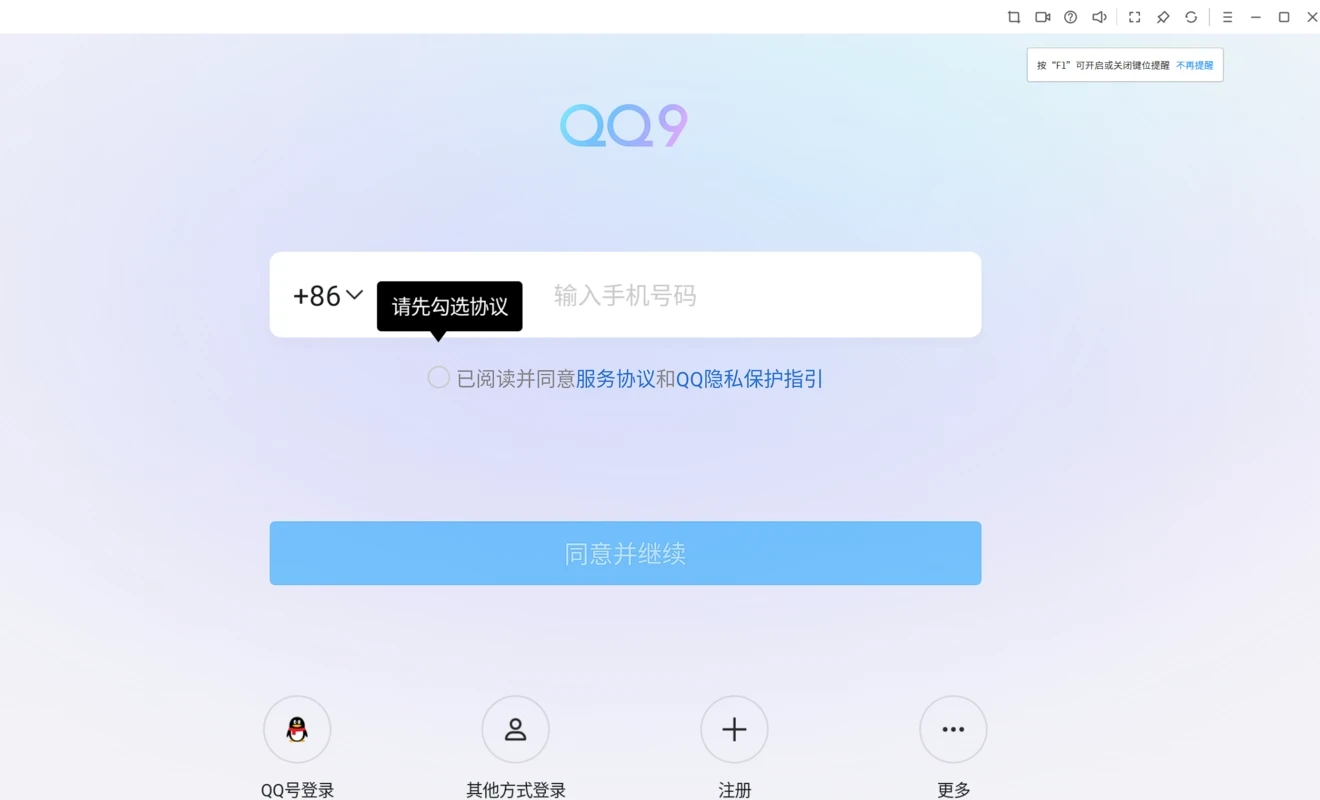
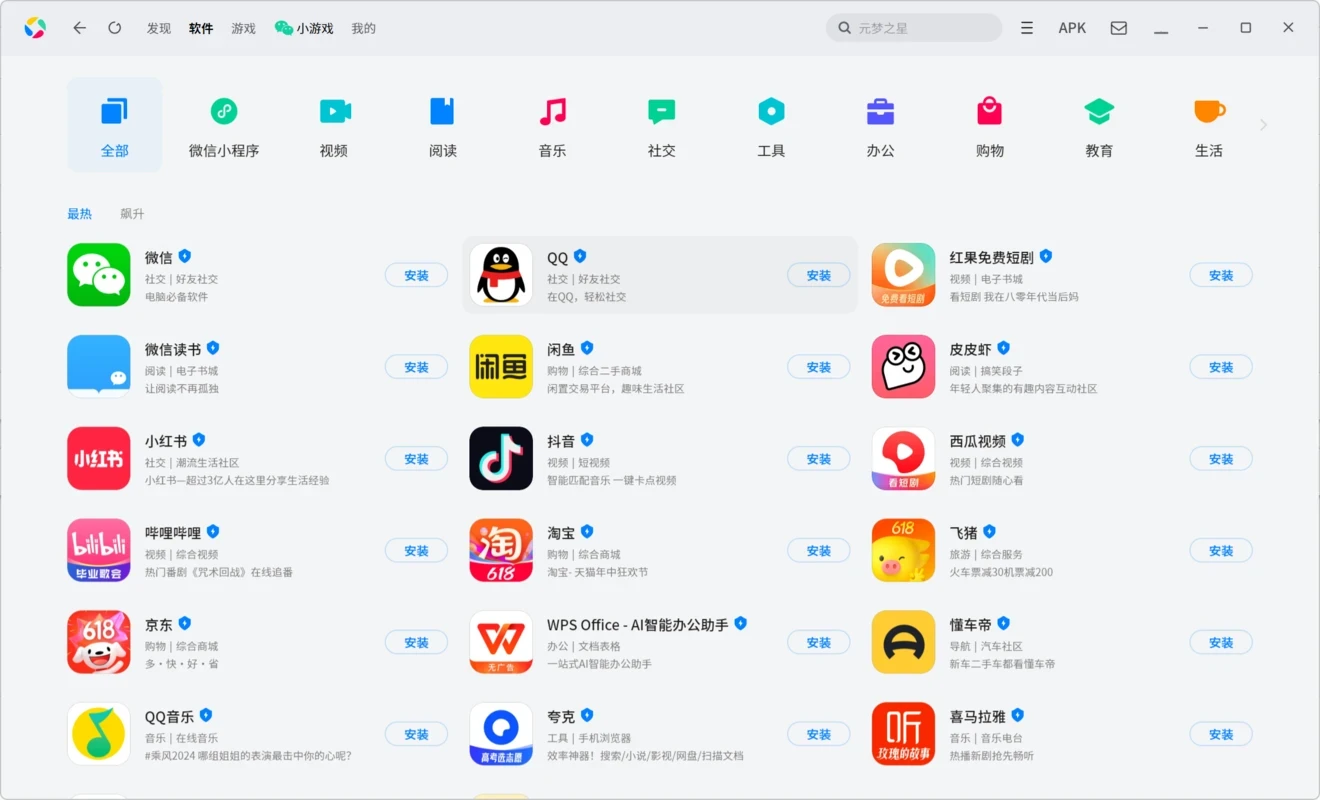
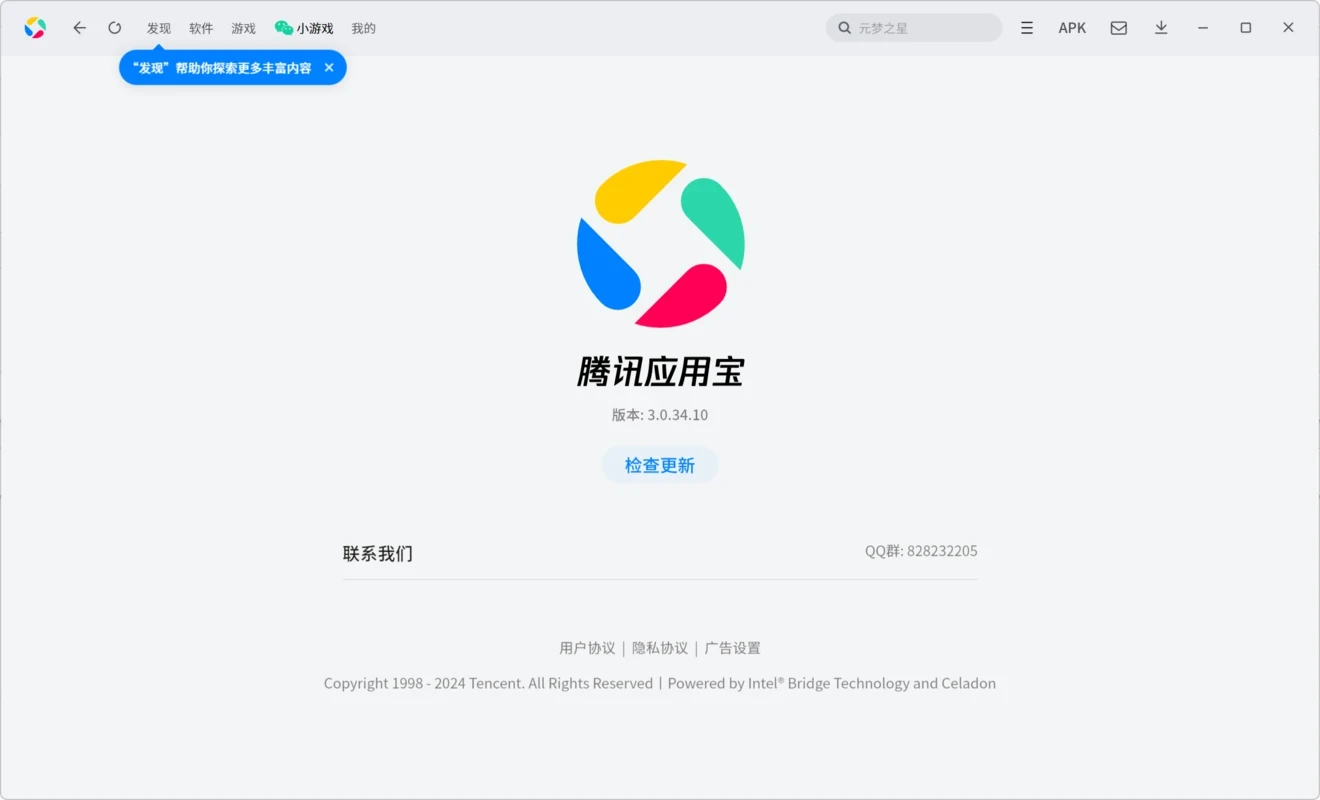
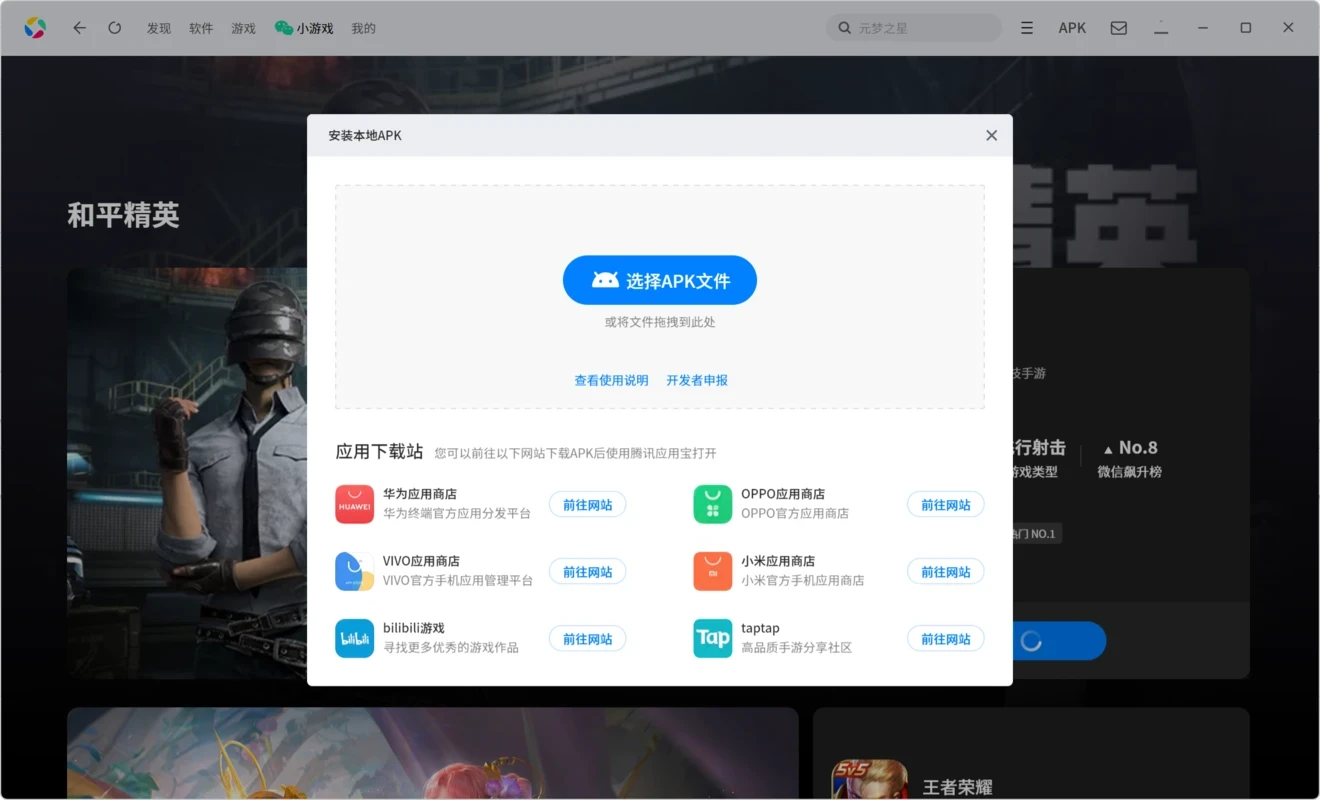
Tencent App Store 3.0.3.11 is the Windows version of Tencent's app store, which lets you install and run Android apps and games on a PC. You download Tencent App Store when you want mobile apps popular in China, such as games, video services or messengers, on a computer screen with a keyboard and mouse.
In China, Google Play is not available, and Android users rely on stores run by phone makers and internet companies. Tencent's store, known locally as Yingyongbao, is a major one on phones. The Windows edition brings the same catalogue to the desktop. Instead of making you set up an emulator by hand, it bundles the runtime needed to start Android apps and presents them like ordinary Windows programs: you search the store, click install, and the app appears in a window that you can resize, pin or run in full screen. Games get keyboard and mouse mapping, so you can play titles designed for touchscreens with WASD keys and clicks. The store also handles updates for installed apps. Because the service is built for the Chinese market, the interface and most of the catalogue are in Chinese, and some apps require a Chinese phone number or a QQ or WeChat account to sign in. For users outside China it is mainly useful if they need specific Chinese apps that are not available elsewhere.
The initial installer is small, about 7.43 MB according to catalogue data, but the runtime and apps download afterwards and take much more space.
A modern Windows PC with enough memory for running mobile apps alongside the desktop, virtualisation support in the processor and a stable internet connection.
Apps from the store run inside a separate environment, but they still see the data you give them. Read permissions and privacy policies, and be cautious with accounts that hold payment details.
The store is free; individual apps and games may have their own purchases.
Other ways to run Android apps on Windows on our site include BlueStacks, LDPlayer and MSI App Player. Microsoft Store remains the source for native Windows apps.
Google Play is Google's digital distribution platform. On Windows, Google offers Play content through the browser and Google Play Games on PC.
Media Creation Tool is a free Microsoft utility that downloads Windows and turns it into a bootable USB flash drive or an ISO file.

LDPlayer is an Android emulator for Windows that runs mobile apps and games on a computer.

BlueStacks is an Android emulator for Windows that lets you run Android apps and games on your PC.
Rufus is a free Windows utility that turns a USB stick into a bootable installer. The current version is 4.15.

PC App Store is a free software store for Windows from Baidu for finding, installing and updating PC programs. This page covers version 5.0.1.8682.

Uptodown App Store for Windows is the desktop client of Uptodown, a marketplace for desktop software and mobile apps. This page covers version 1.0.3.
NoxPlayer is a free Android emulator from Bignox for Windows and macOS that runs mobile games and apps on a computer with keyboard and mouse control.